
2026-11-16 · MW Labs
The 10-minute Monday health check for a portfolio of client sites
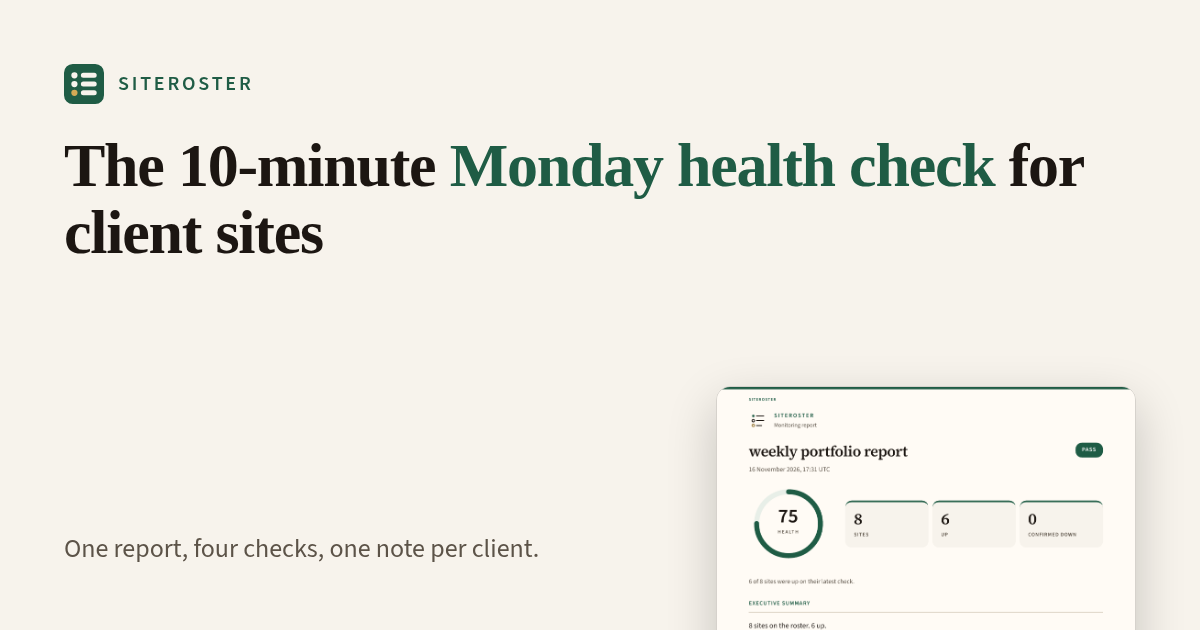
Most agencies only check client sites when someone complains. You can replace that with a short Monday routine: one report, four checks and a short note to each client. We ran the whole routine on 16 November 2026 against a demo roster of eight public sites, and the figures below come from that run.
1. Open last week's portfolio report
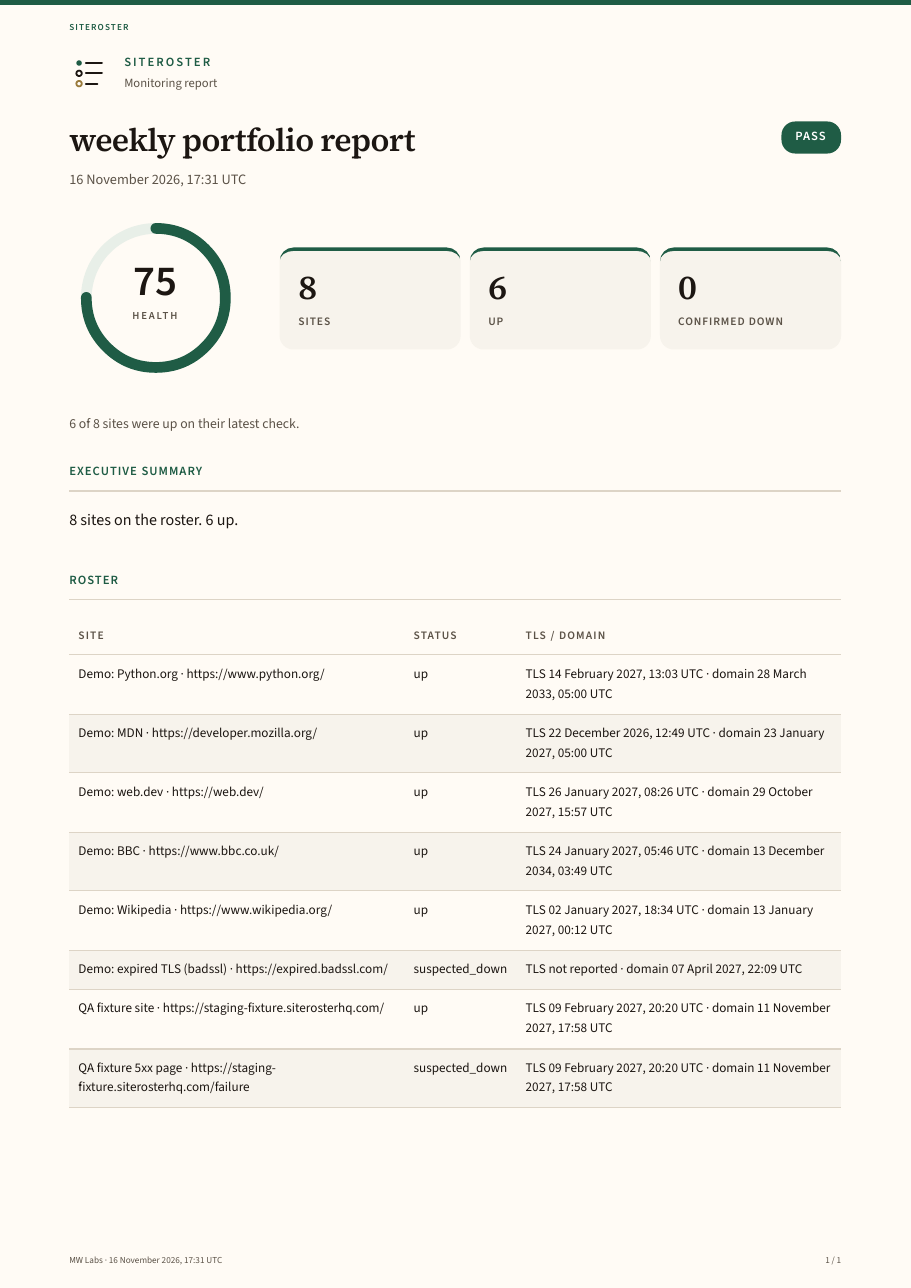
Start from a single weekly report that covers every client site, not from eight browser tabs. It should show, for each site, the last result, the TLS certificate expiry and the domain expiry.
2. Read the three numbers first
Before you look at any rows, read sites, up and confirmed down. In our run they were 8, 6 and 0. If confirmed down is above zero, deal with that before anything else. If up is lower than sites but confirmed down is zero, some checks failed without proof of an outage. That is step 3.
3. Separate confirmed outages from one-off failures
A single failed check is a lead, not an outage. In our run, two rows were "suspected down": one site whose certificate check failed and one page that returned HTTP 500. Neither had been confirmed from a second location, so neither was reported as down. SiteRoster runs that second-region confirmation for you every minute and only sends an outage alert once both locations agree. See how a confirmed outage is reported.
For each suspected row, open the site yourself. In our run the certificate site was a deliberately expired test certificate, and the 500 page was a deliberately broken QA page. On a real client site, either one would mean a call today.
4. Scan the expiry column for the next 45 days
Expired certificates and lapsed domains cause the most avoidable outages. Flag any certificate that expires within 45 days and any domain that expires within 60. In our run, one certificate was close: it expires on 22 December 2026, 36 days away. Nothing else was inside the window.
5. Turn the report into a to-do list
Paste the report text into your AI assistant with the prompt below. You get back a short list: what needs action today, what needs action this month and which sites are fine. Then send each client a two-line note. "All good this week" is a valid update, and clients like hearing it.
Copy-paste prompt
You are helping an agency run its Monday website health check.
Below is this week's portfolio report. For each site you get: status,
TLS certificate expiry and domain expiry. Today is <DATE>.

1. "Act today": any site that is confirmed down, suspected down, or has
   a certificate or domain that has expired or expires within 7 days.
2. "This month": certificates expiring within 45 days and domains
   expiring within 60 days. Give the date and the number of days left.
3. "All good": every other site, names only.
4. For each site in the first two groups, write a two-line client note
   in plain English with no jargon.
Do not guess at causes the report does not show.

<PASTE REPORT TEXT HERE>
Our run gave: act today, the expired-certificate test site and the HTTP 500 QA page; this month, one certificate expiring on 22 December 2026 (36 days); all good, five sites.
Do it with less work
SiteRoster covers 25 client sites on any CMS for $49/month. It sends the weekly report every Monday, confirms outages from a second region and adds certificate and domain expiry dates for you. There is a 30-day money-back guarantee. Create your account.